YoGo Communications: Event Creation Web App
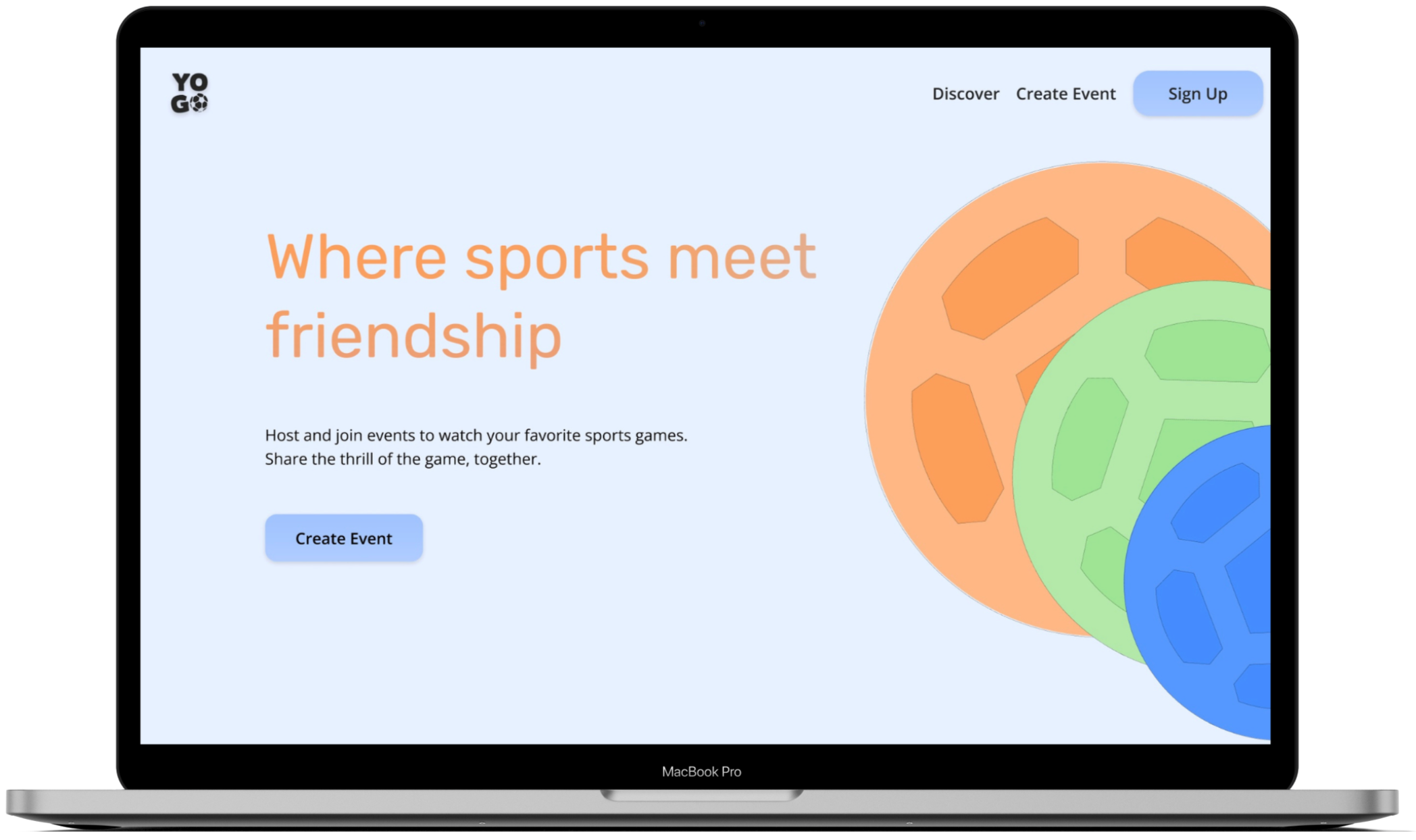
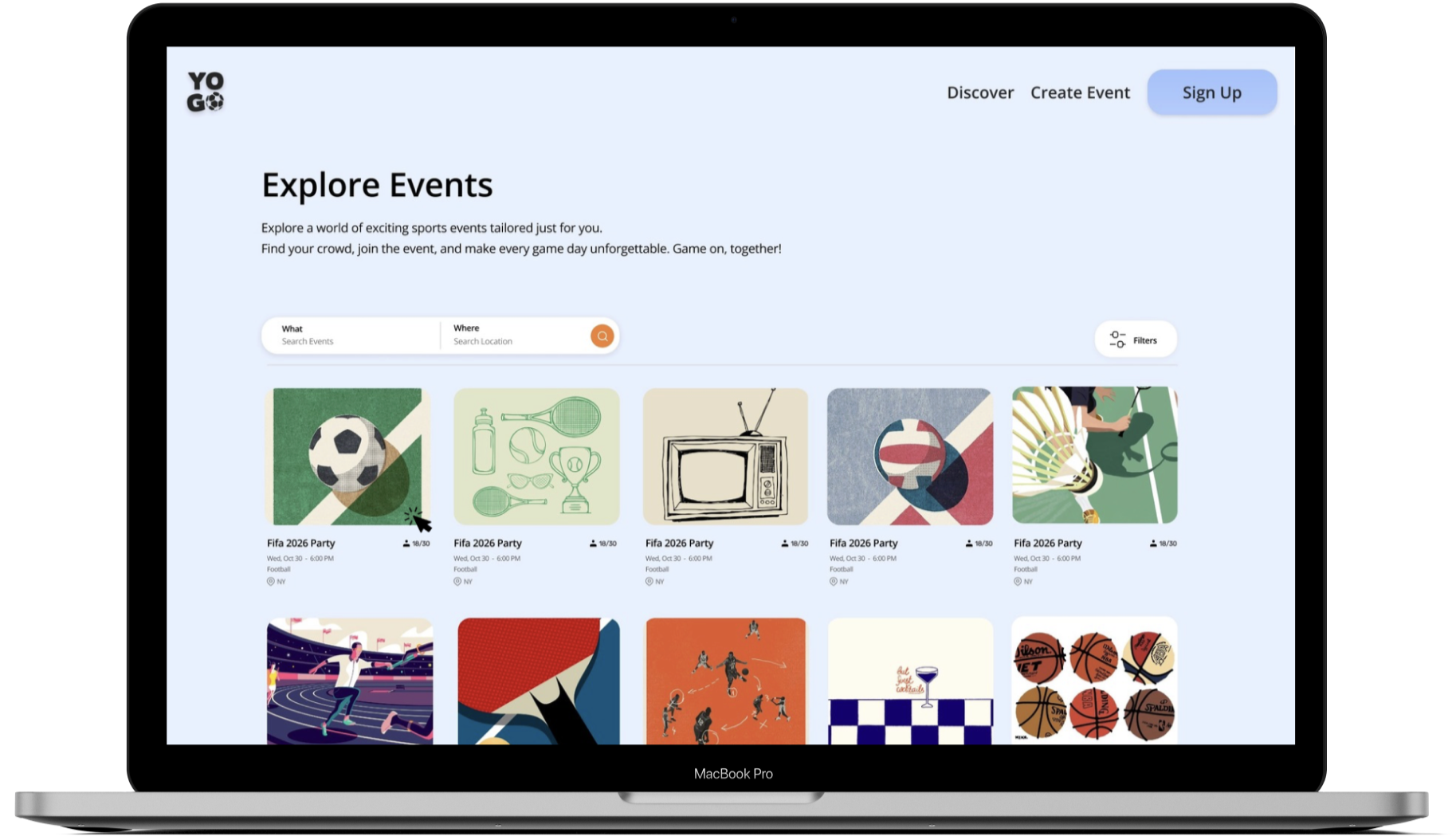
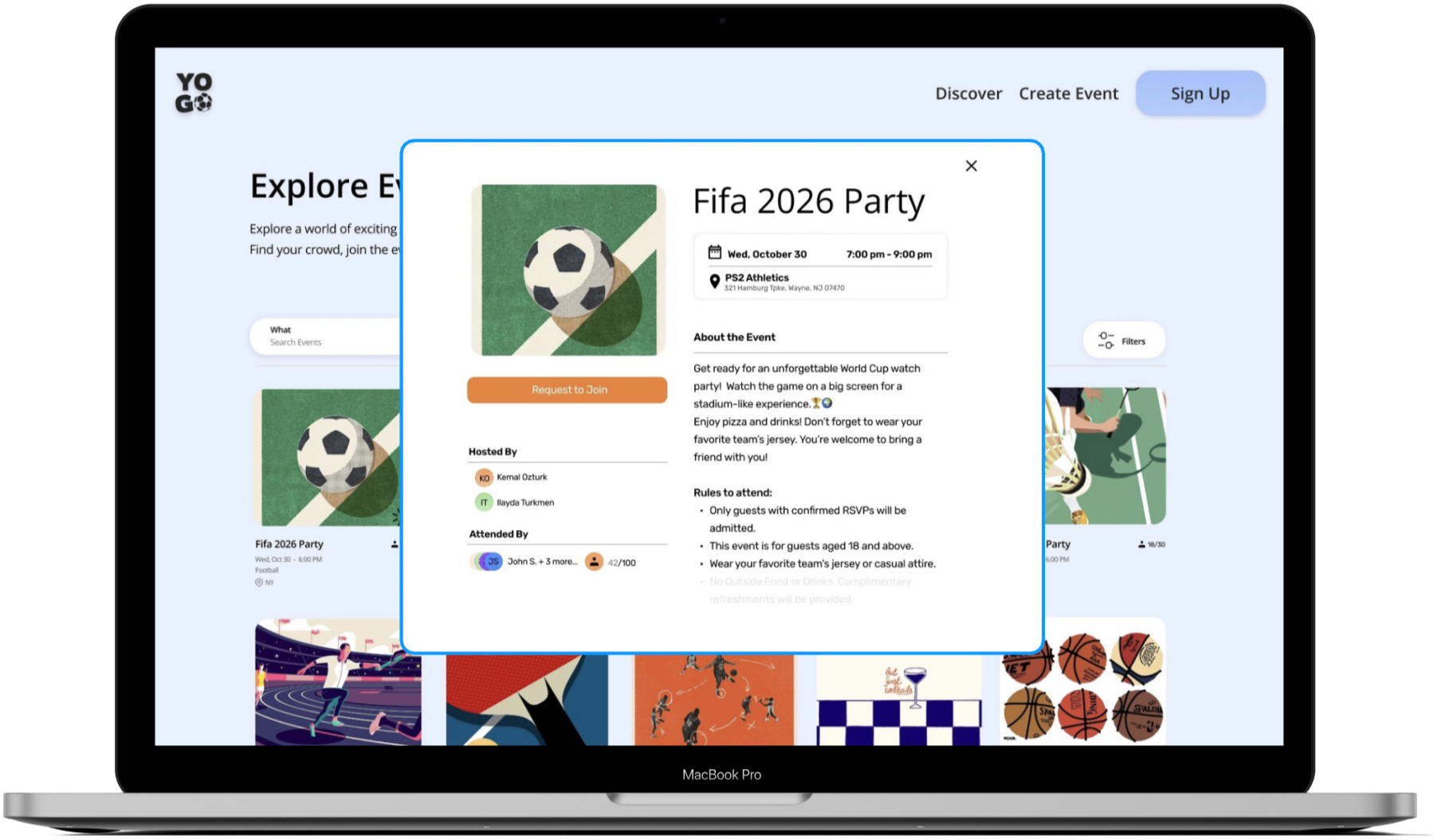
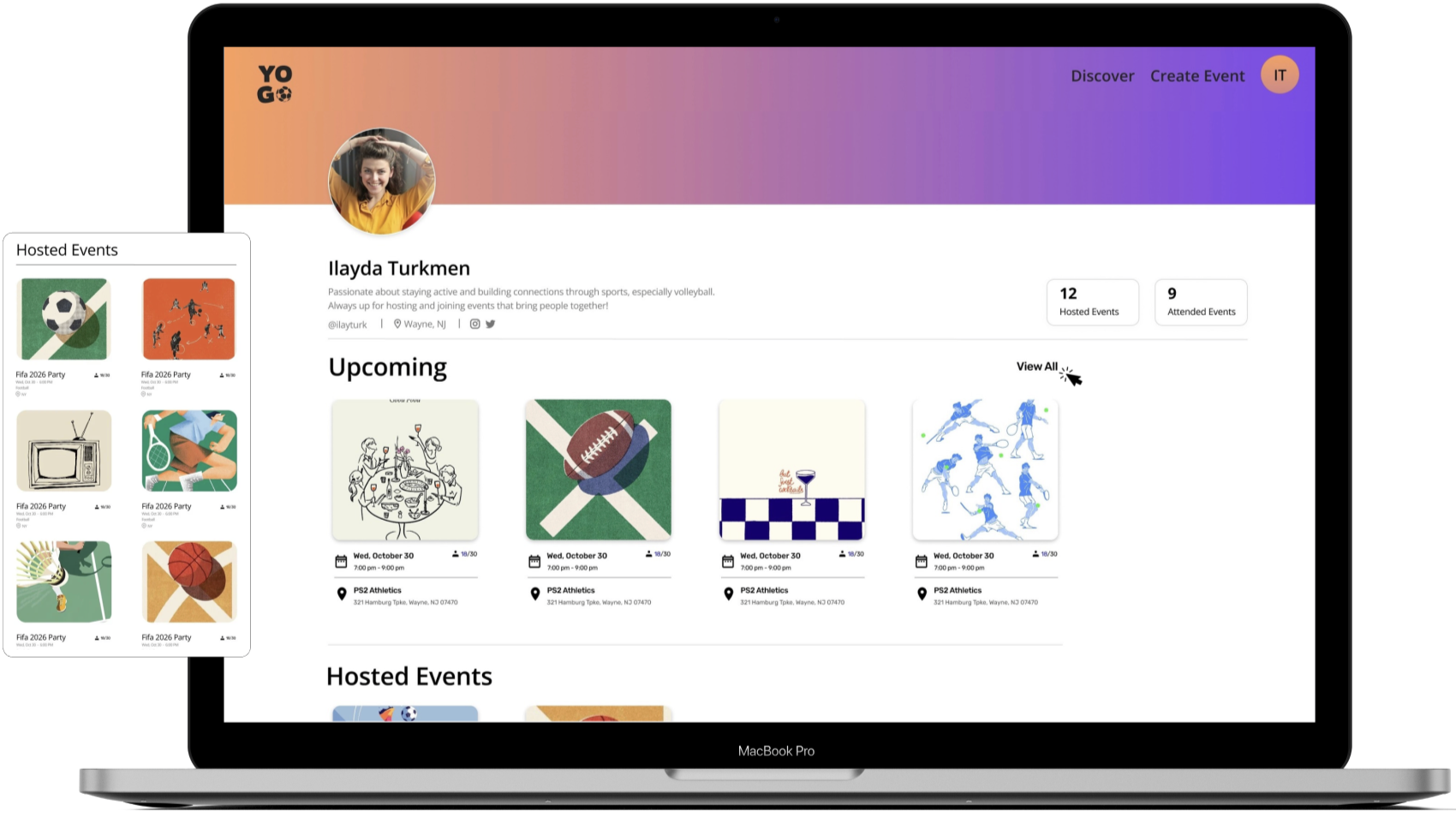
Yogo Communications is a platform dedicated to bringing sports enthusiasts together. From organizing tournaments to hosting FIFA or volleyball watch parties, the website connects sports enthusiasts with their communities and friends.
The problem that YoGo seeks to solve with this web application is the difficulty and inefficiency in planning, managing, and communicating event details. Current tools often lack seamless integration for users to easily create and organize events tailored to their specific needs, send and track event invitations in one unified platform and curate event logistics such as time, location, and attendee preferences in a streamlined manner. Many problems from event planning stem from people's personality, where they may cancel last minute, or be hard to reach. The lack of a user-friendly, customizable, and integrated solution leaves users relying on fragmented tools that do not fully address their event planning needs.
Problem Analysis
Difficulty in coordinating events: Users often struggle to manage the logistics of creating, planning, and coordinating events. Sending and receiving invitations can be disorganized or reliant on multiple tools/platforms.
Lack of personalization: Many event creation tools don’t offer sufficient customization options tailored to user-specific needs, such as scheduling based on availability, preferred locations, or unique requirements.
Fragmented communication: Inviting and communicating with attendees often requires switching between various communication apps and services, causing inefficiencies.
User Persona
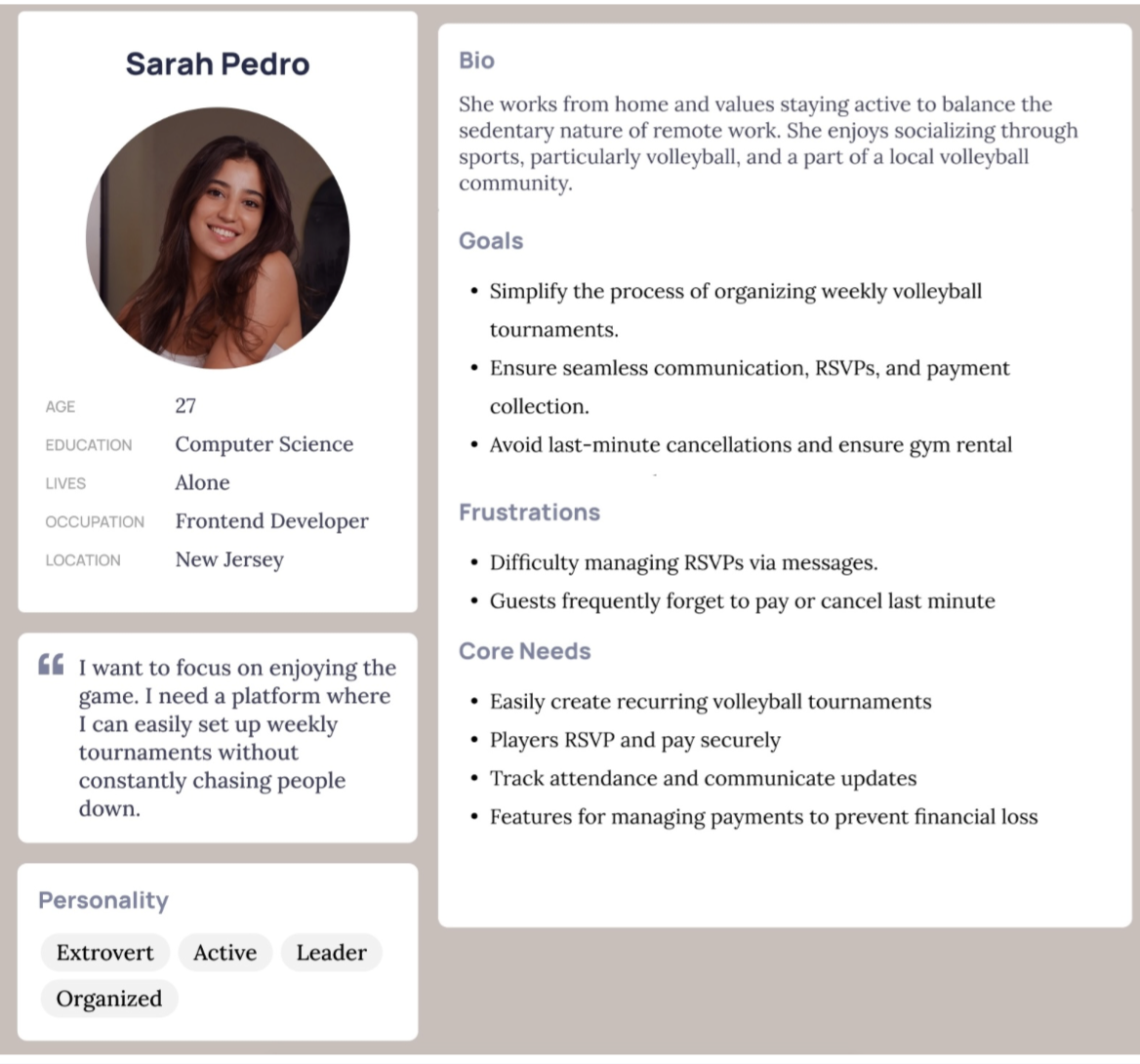
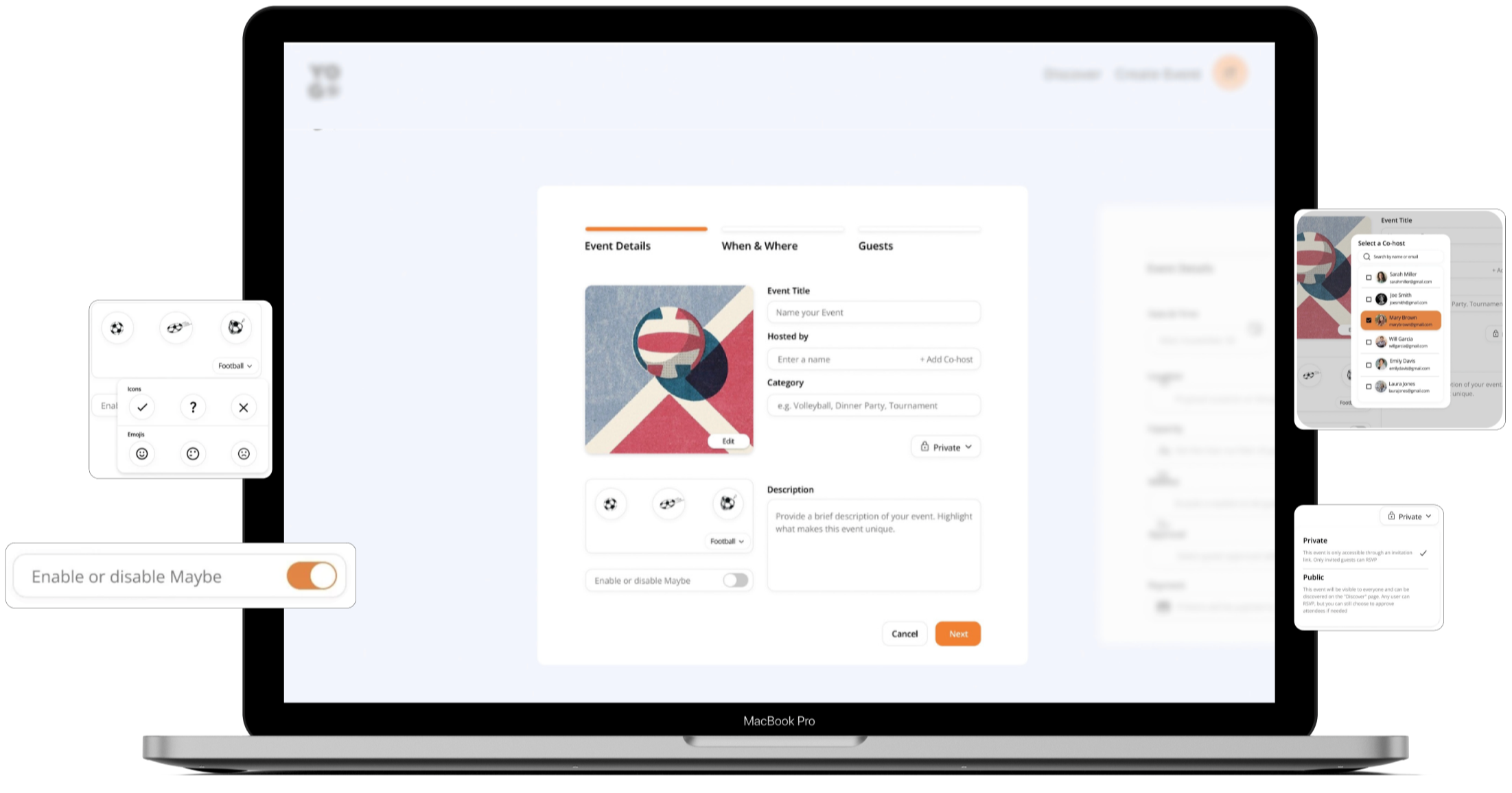
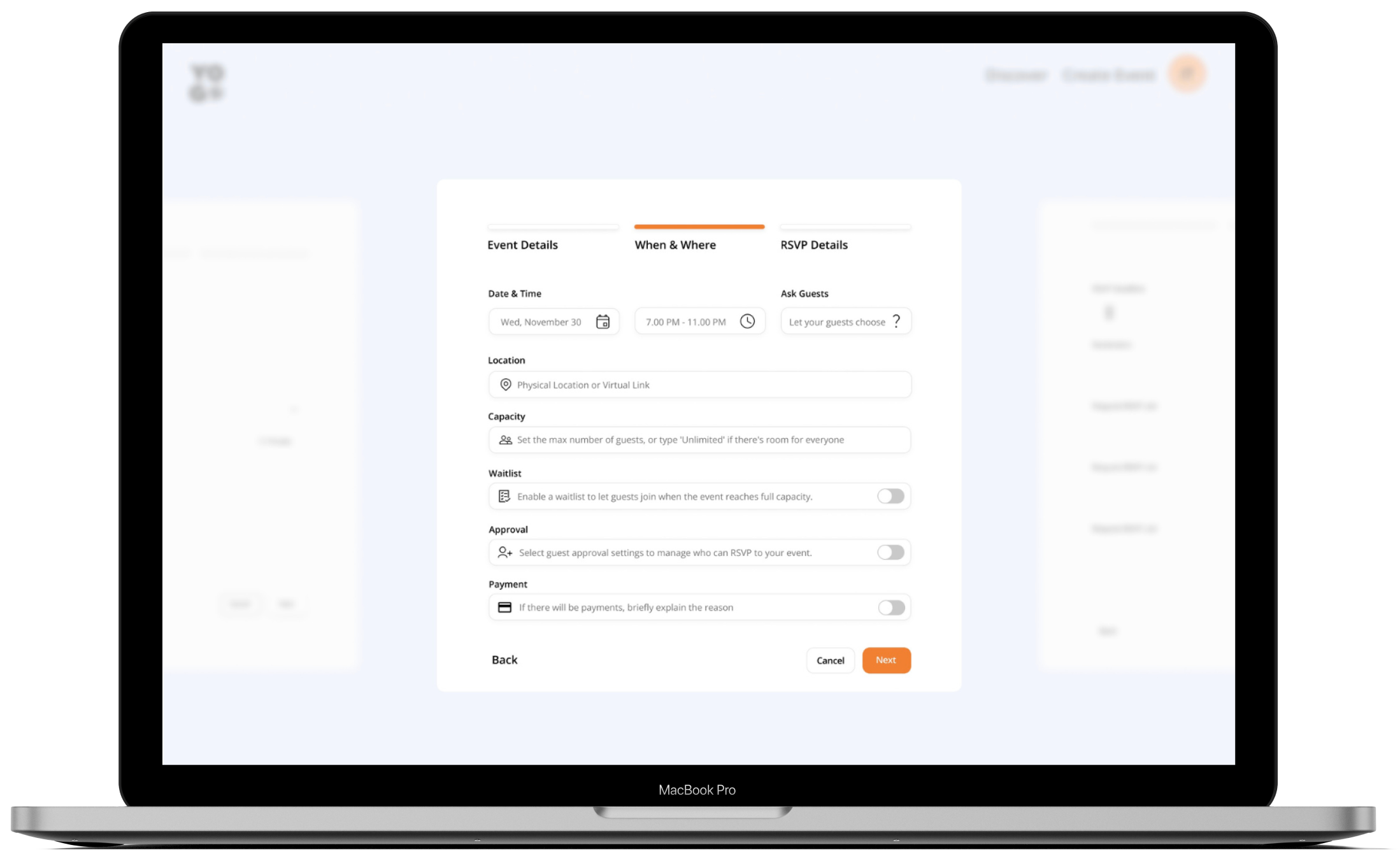
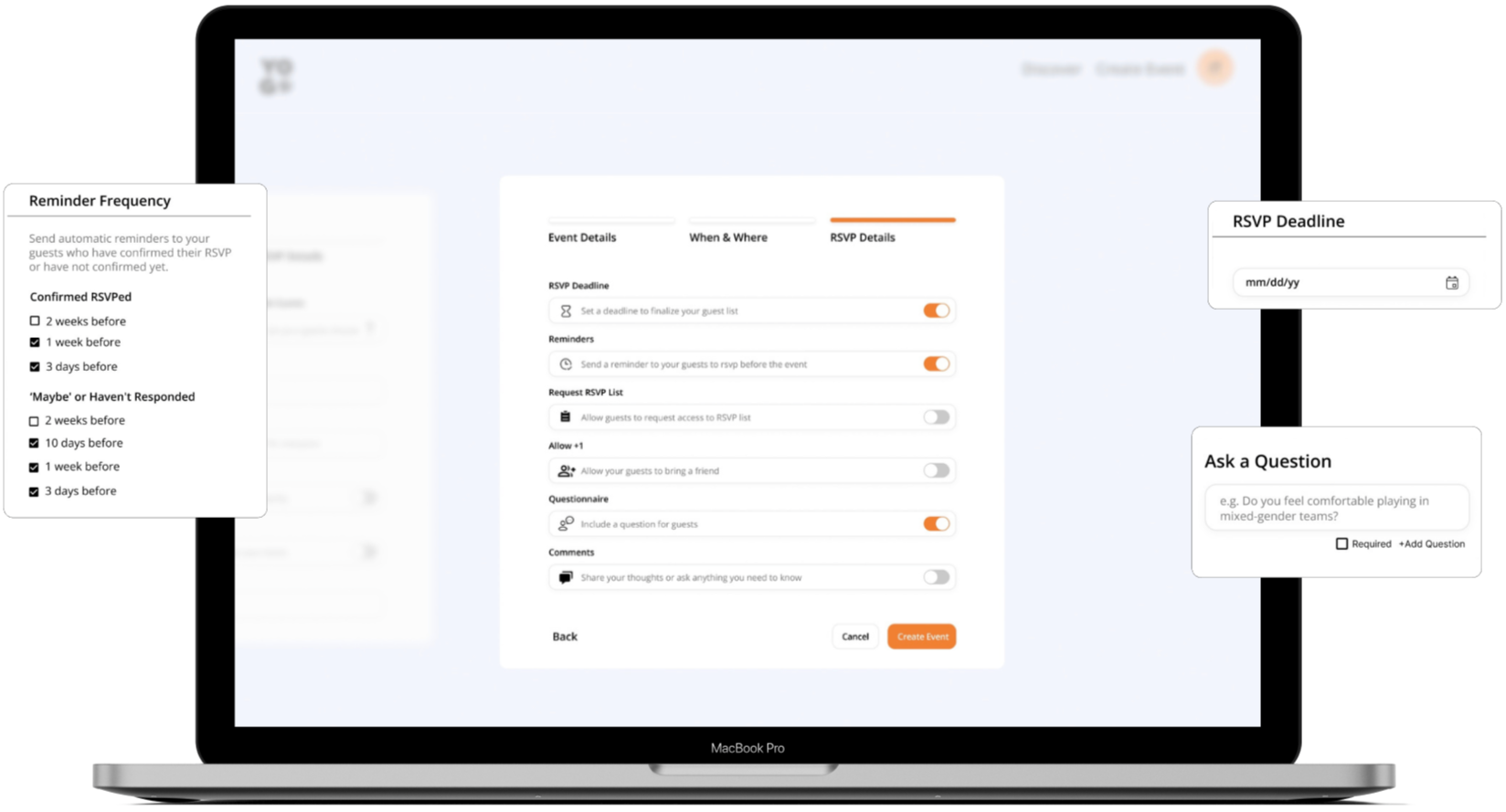
I first created a user persona to understand the pain points of the target audience. Sarah represents a volleyball enthusiast and remote worker who values staying active and engaged with her community through sports events. However, she struggles with the logistical challenges of organizing weekly tournaments. So, one of the most important goals was to design a streamlined website that makes the event creation process efficient for users by adding features like secure RSVP and payment integration, and simple event planning process.
User Flow Diagram
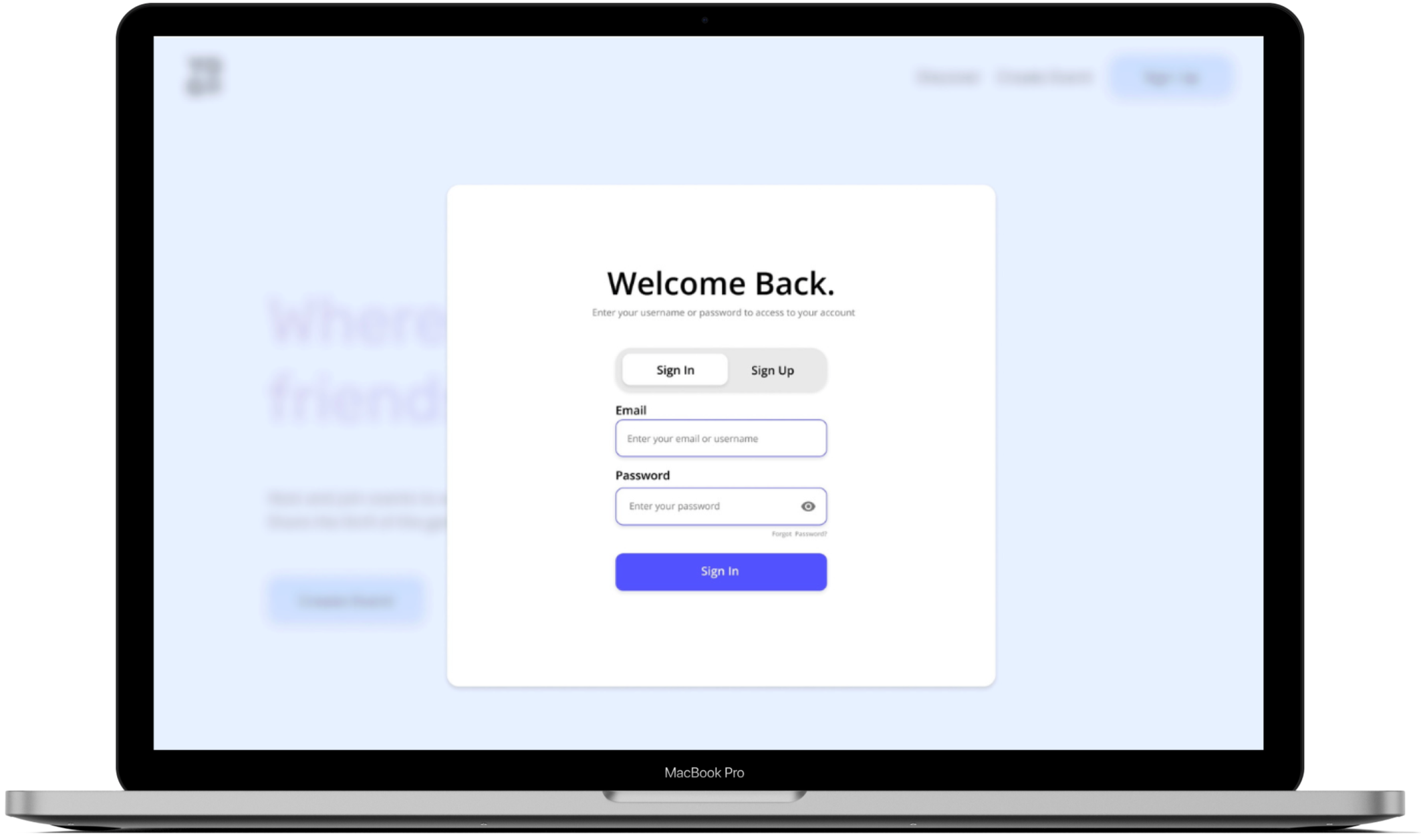
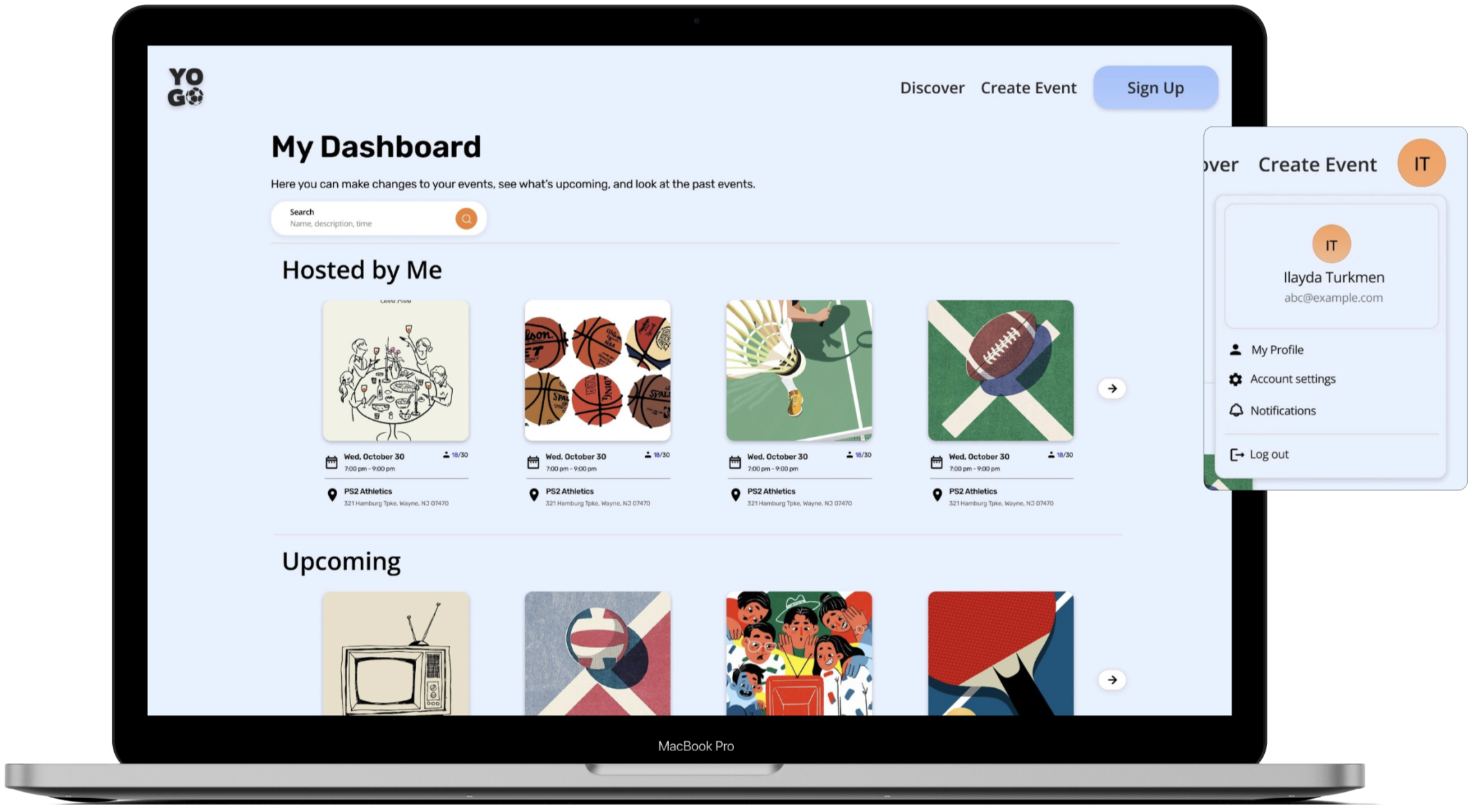
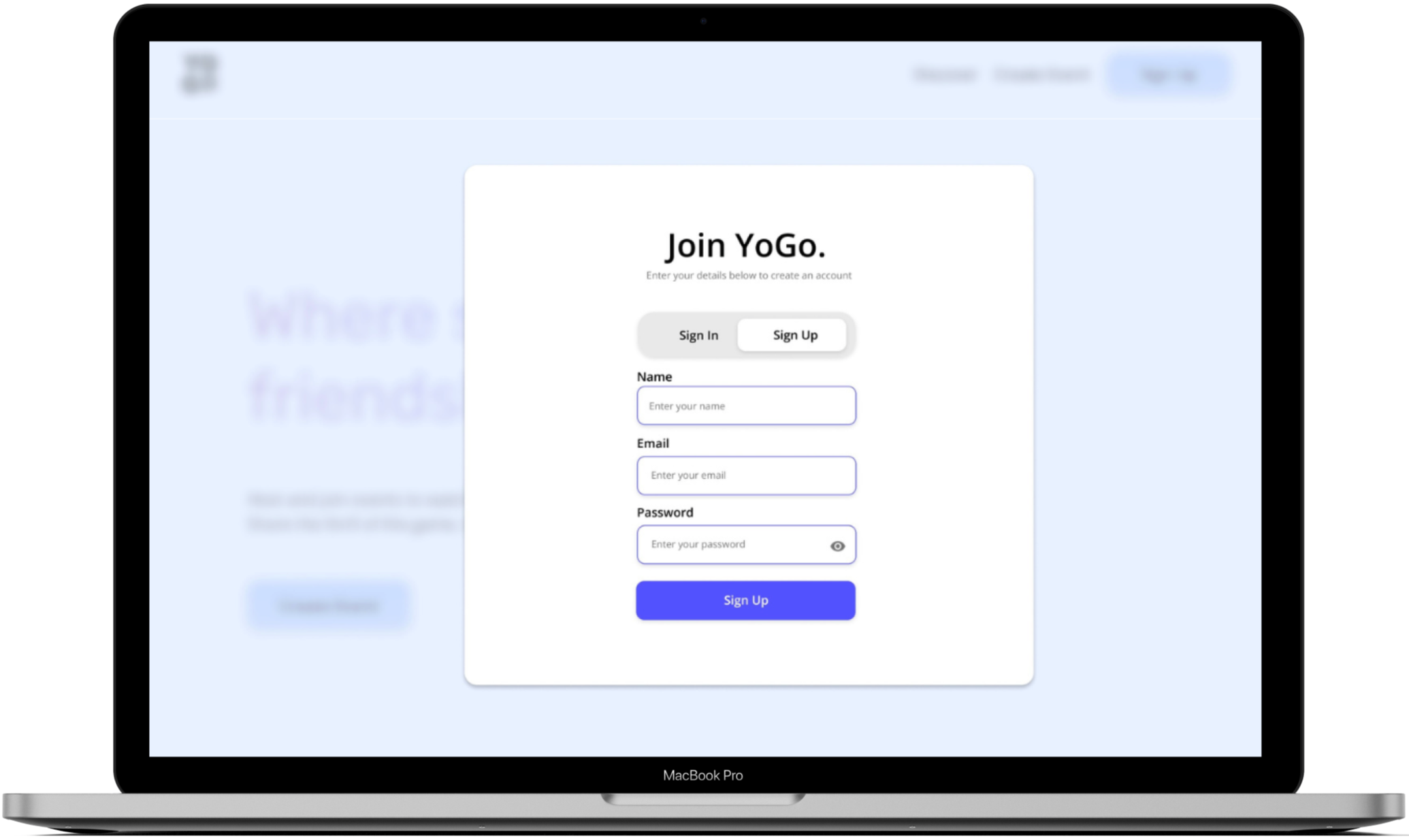
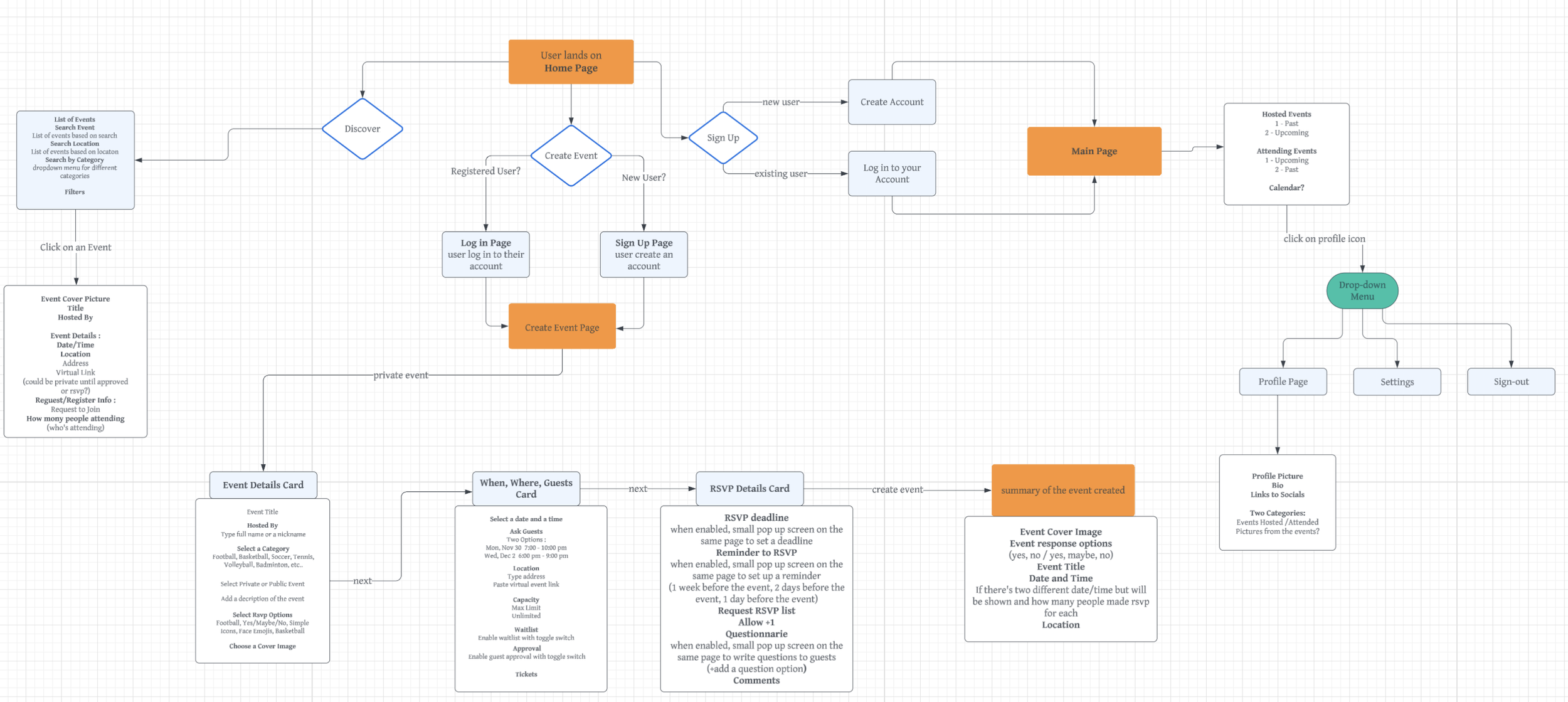
The user flow is a detailed visual diagram for the website showing the steps users navigate, from landing on the homepage to exploring events, creating accounts, or managing hosted events. This graph helped me visualize the user's journey step by step and identify any potential pain points users might face before I started designing and developing the product. For example, the flow maps out the steps for event creation when not logged in or signed up. If the user is not signed in, they are directed to either the login or sign-up page, depending on their status. Existing users can log in using their credentials, while new users are prompted to create an account. This graph was also the first step to starting the Figma UI of the product.
UI of the Web Application